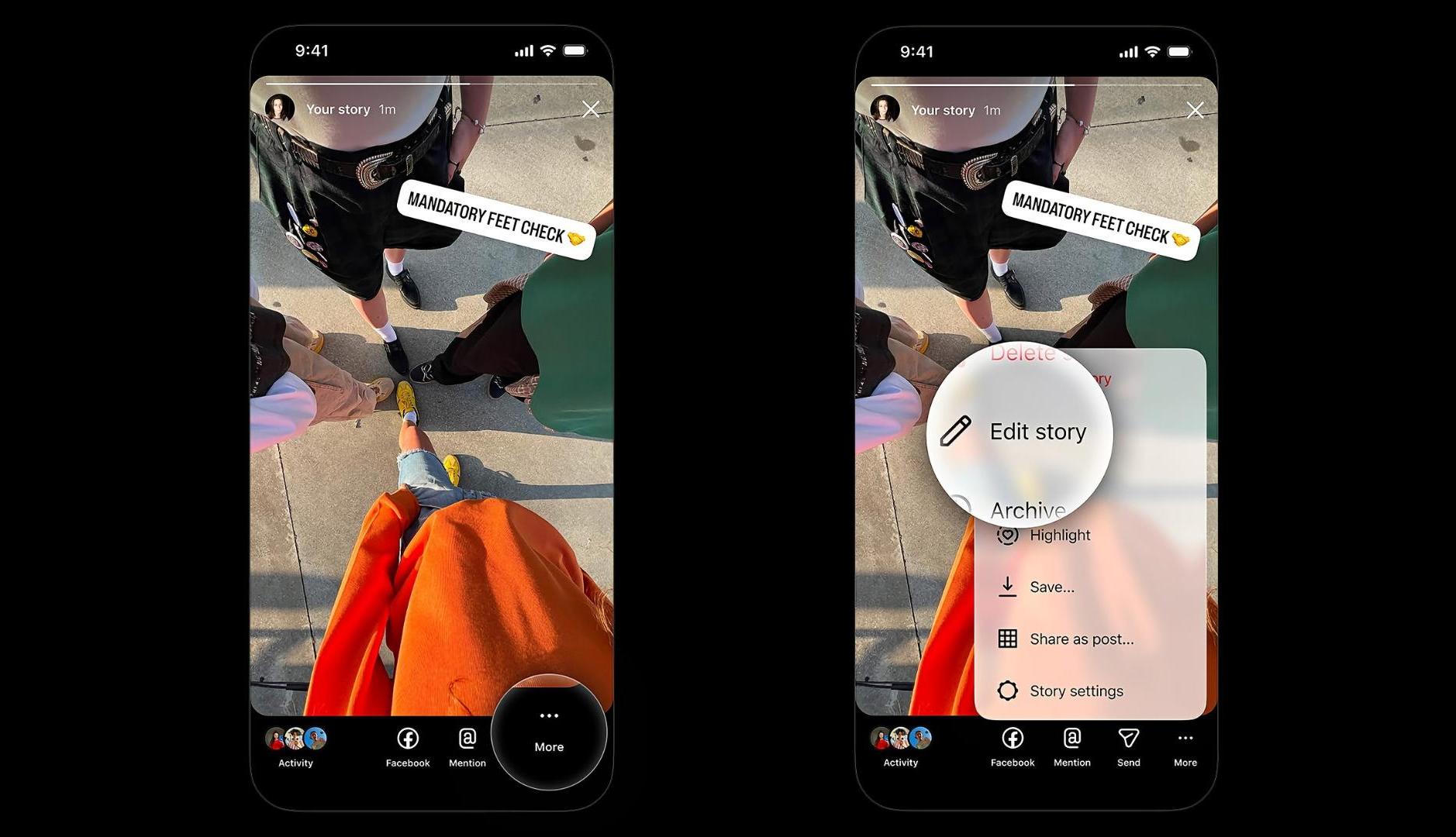
Until now, when a typographical error was detected in the text, a visual error in the image or, simply, one was not satisfied with the result of a story, it was necessary to delete it and republish. But Instagram has developed a new functionality that allows you to edit this type of ephemeral publications, thus responding to a need for which users have been asking for a solution for some time.
As the platform has announced, from now on users will be able to edit their stories after publishing them. They will have the possibility of modifying different aspects, such as text, music, stickers or drawings; but only up to 15 minutes after having shared them on their profiles. And all this without losing the views, the “likes” or the responses received.
“If you’ve ever noticed a typo right after publishing a story, this is for you. Now you can edit text, music, stickers and drawings up to 15 minutes after sharing, without losing your views, likes or replies“, commented Adam Mosseri, Director of Instagram, through his account on the social network. “A lot of people have been asking for this so I’m excited to release it”.
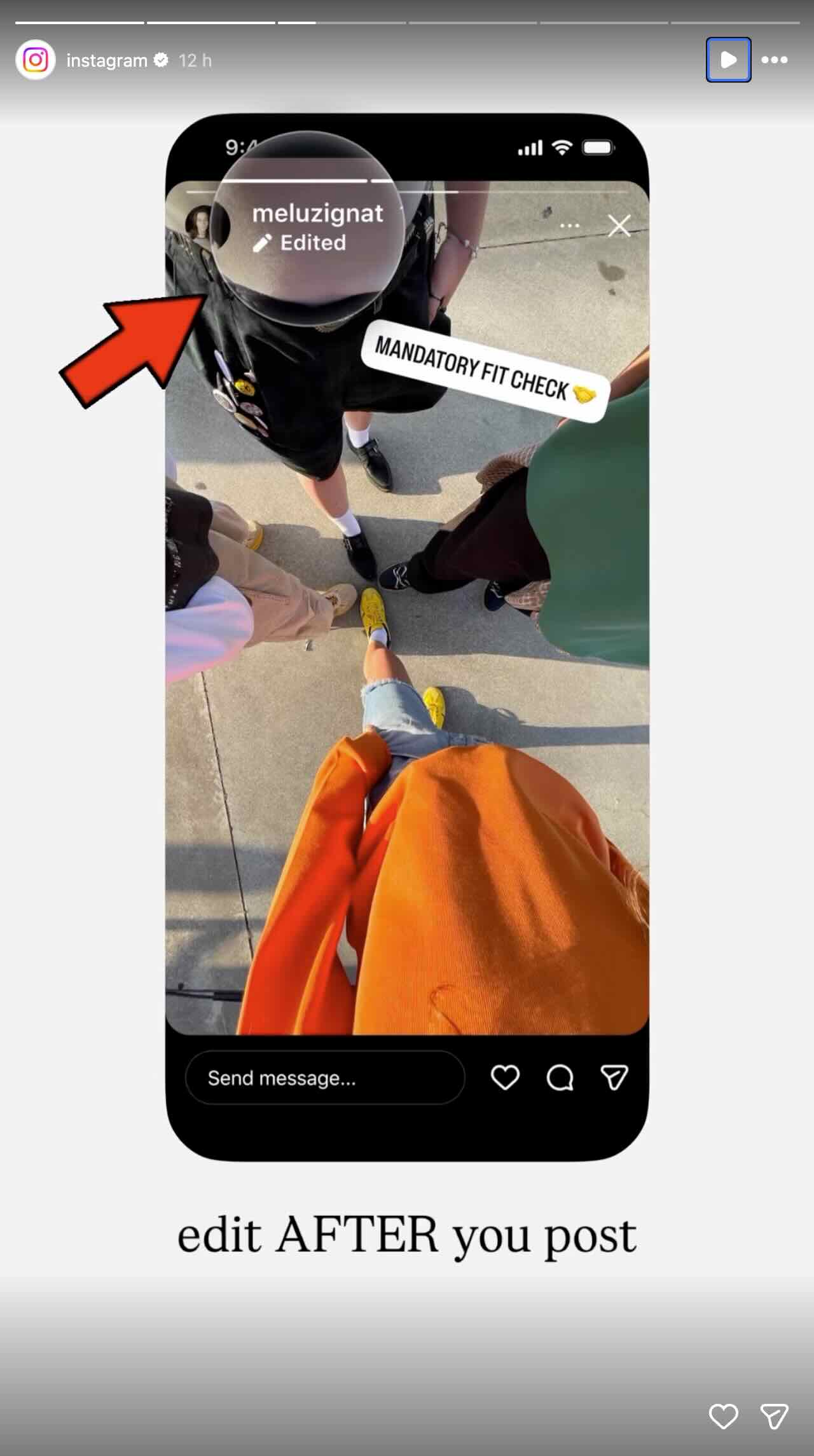
To edit a story, users must open the publication and select the three-dot menu. From there, they can click on “Edit story” to start making changes. As can be inferred from the publications made by Instagram, once the publication has been modified, the “Edited” identification will appear.
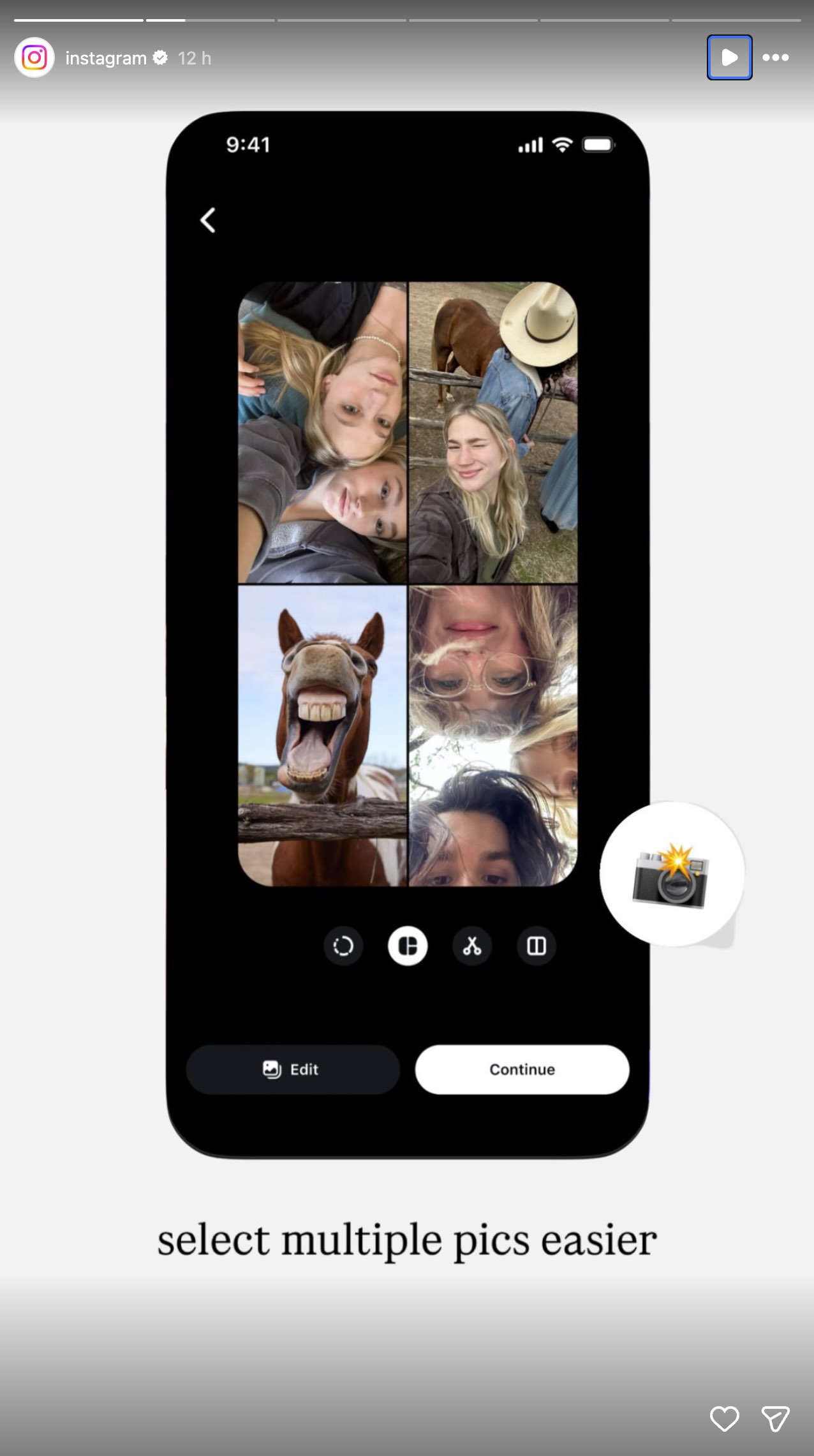
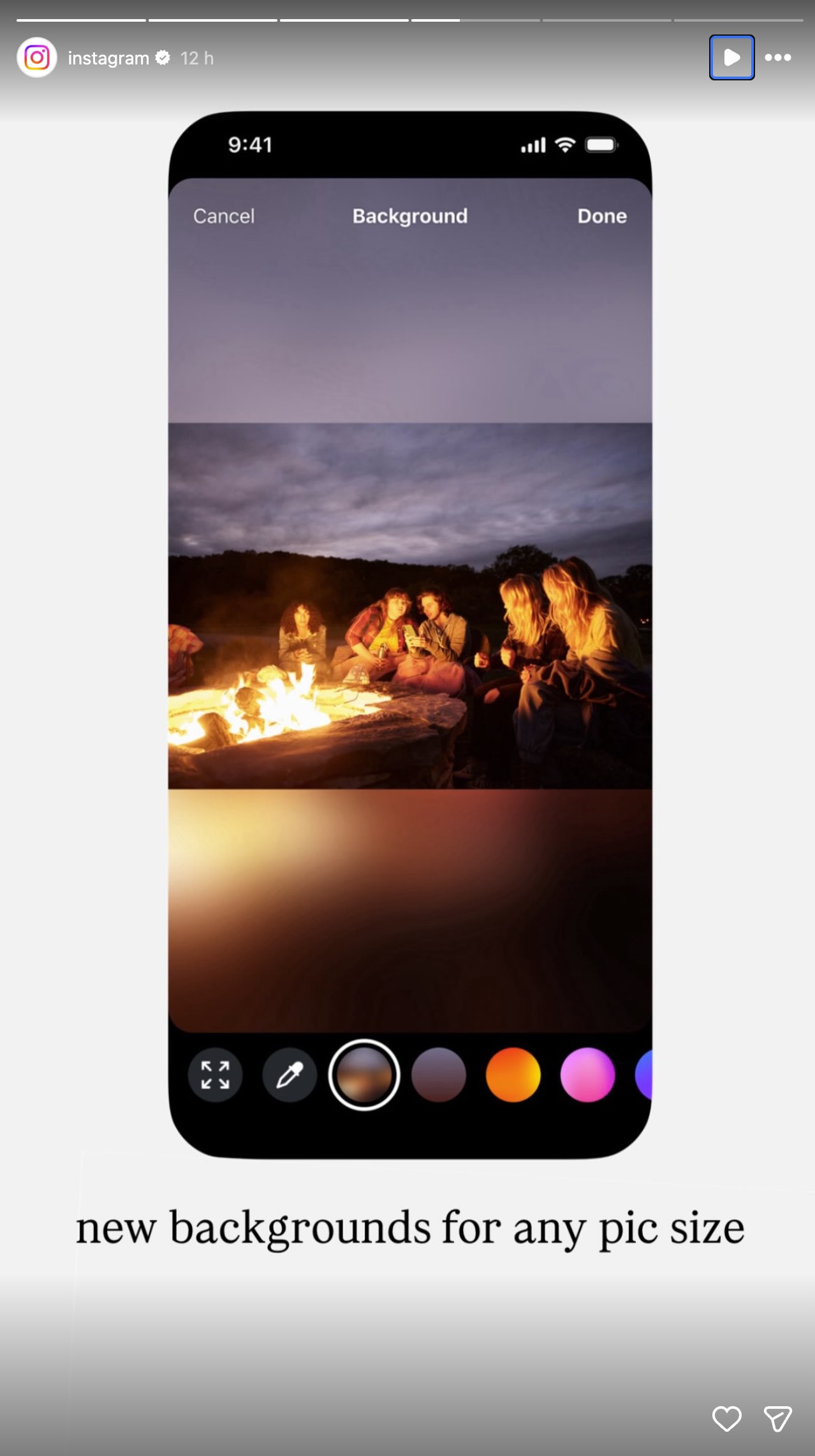
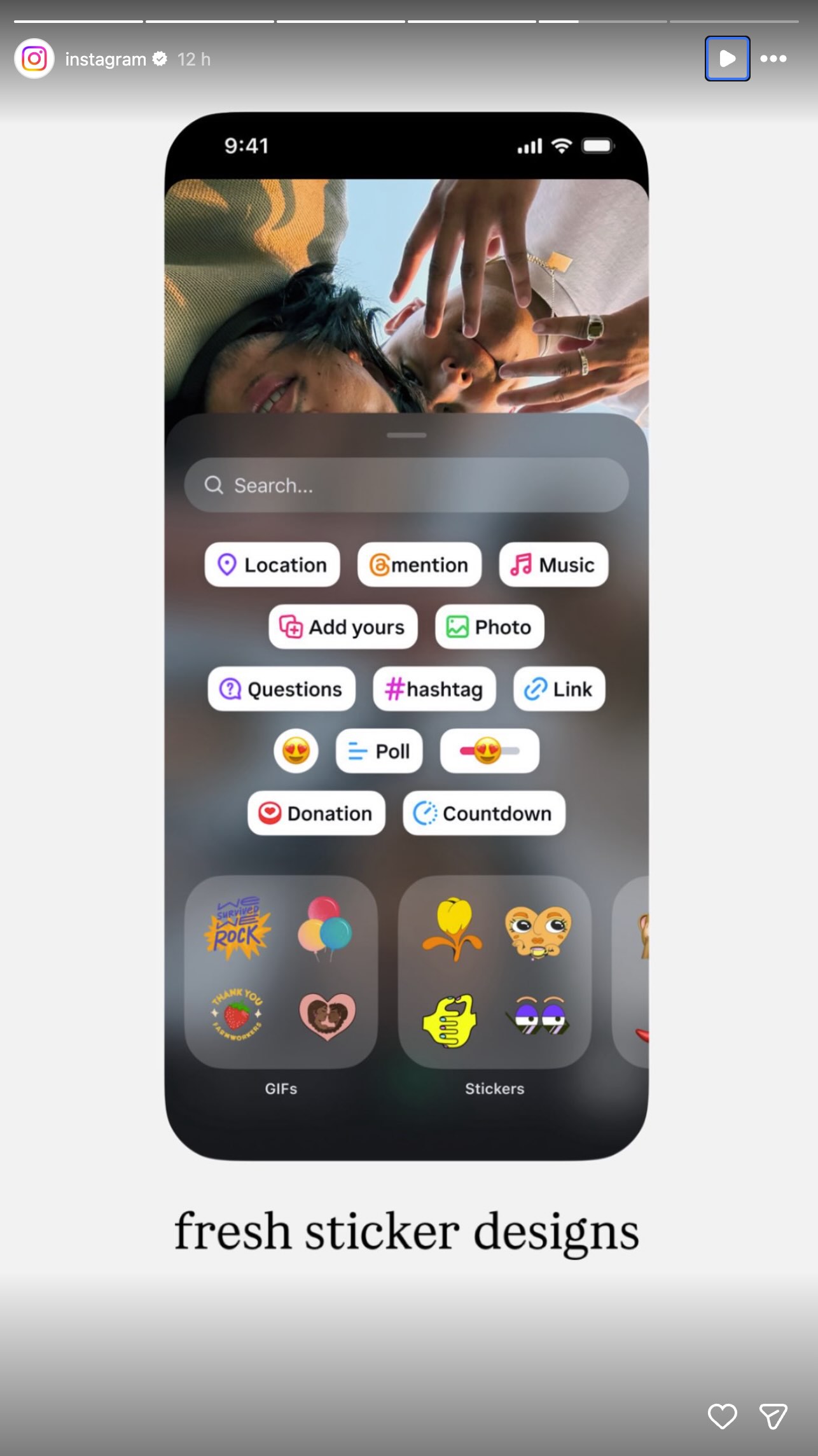
Along with this update, the platform has unveiled three other new features. Thus, the way in which several photos are selected to publish has changed, seeking to simplify the process and make it more visual; and has introduced new colors, gradients and blurs for story backgrounds. Likewise, it has incorporated new fonts, colors and shapes for the stickers that are now presented in panels designed to facilitate navigation.