Some ideas are much easier to draw than to explain with words. Starting from that premise, OpenAI has presented Sketcha new ChatGPT feature that allows you to make a sketch directly within the conversation and use it as a reference to later generate a complete image.
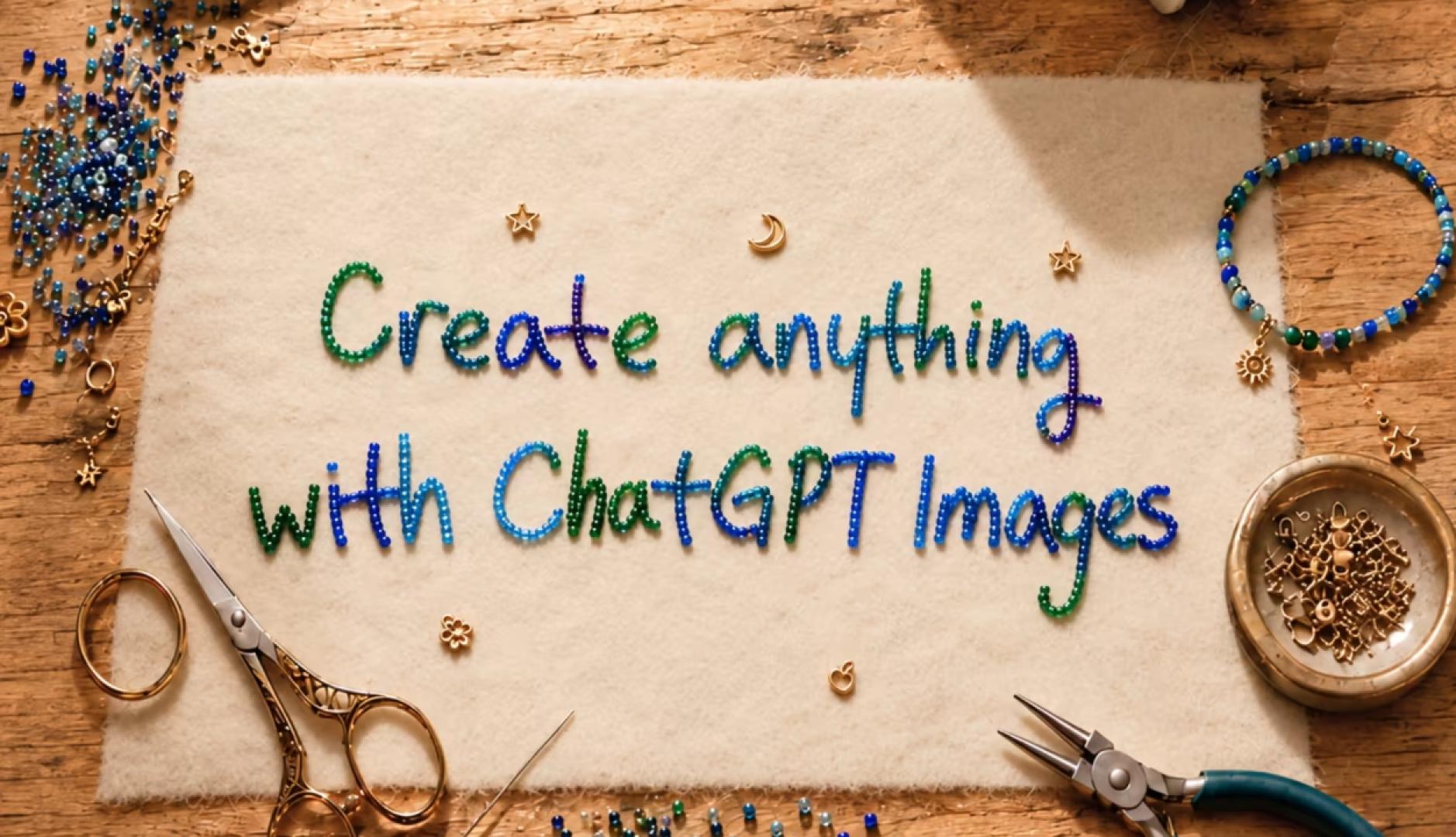
The tool comes accompanied by ChatGPT Images 2.5, the new evolution of OpenAI’s image generation and editing system. The company claims that more than 3 billion images are now created every week between ChatGPT Images and the GPT-Image models used through its API, and with this update it seeks to offer more control over the creative process, especially as visual generation begins to be incorporated into professional design, marketing, commerce or media flows.
With this update it seeks to offer more control over the creative process
So, Sketch introduces a new way of giving instructions to artificial intelligence. The user can write @Sketch In ChatGPT, open a canvas and draw approximately what you have in mind. You can then accompany the sketch with indications about style, finish or other details so that the system generates the final image. It is not necessary, therefore, to know how to draw. The sketch functions as a spatial and visual reference that complements the written instructions.
OpenAI gives as examples the layout of a room, the outline of a garment or a simple doodle, although the function can be extended to diagrams, posters and other compositions in which describing the exact position of each element through text can be complicated.
Sketch Thus, it represents another step in the evolution of visual generation interfaces. The prompt is no longer necessarily the only starting point and the user can communicate an intention through a combination of language and graphic information.
More precise edits without altering the rest of the image
Next to Sketchone of the main improvements in Images 2.5 is aimed at a common problem with AI editing: asking one thing to change and seeing that others have changed too.
OpenAI ensures that the new model better identifies which elements it should modify and which it should keep. This allows, for example, to replace a product, a background or a text while trying to keep the subject, composition and visual treatment of the rest of the piece intact.
It also improves consistency during long conversations. When an image goes through several rounds of changes, Images 2.5 should more reliably preserve previous edits and maintain quality while incorporating new instructions. This capability is especially relevant for professional uses, where an image is rarely resolved with a single generation. Maintaining a product, a person, a composition or certain brand codes while producing different versions brings the operation of AI closer to an iterative editing process.
ChatGPT also incorporates comments directly on the images, so that the user can indicate in a more localized way what they want to modify instead of describing it only through a general message.
More fidelity to reference photographs and better compositions
Images 2.5 also seeks to better preserve the people and objects present in photographs used for reference. According to OpenAI, subjects should become more recognizable after changing the setting, visual style or composition, while lighting and textures become more natural.
The update also improves the interpretation of complex visual instructions and the creation of compositions with numerous elements. OpenAI highlights advances in infographics, presentation materials, and transparent backgrounds, as well as an increased ability to adhere to a particular artistic direction when instructions become progressively more specific.
Speed is another change: OpenAI claims to have reduced generation latency by up to 50% compared to Images 2.0, seeking to accelerate both the initial creation and subsequent iterations of the same idea.
Templates for posters, products and other formats
The update also includes Templatesa system designed for those who know what type of part they need but not necessarily how to write the appropriate prompt.
From the Images section of ChatGPT you can start from templates for common creative formats and provide the desired information, design elements or style. Examples shown by OpenAI include posters, products and merchandising. ChatGPT may ask additional questions to complete the instructions before generating the part.
Prompts can be shared
Another novelty is designed to make the generations that work especially well reusable. When sharing an image, ChatGPT also allows you to include the prompt with which it was created.
Someone else can then use those instructions and enter their own photographs or details to produce a different version. In this way, a good prompt can practically function as a template shared between colleagues, teams or users.
The feature can also help accelerate the spread of visual trends. OpenAI uses as an example a prompt that recreates what a portrait of a person would have looked like in the 80s: each user can maintain the creative structure and replace the protagonist with themselves.
The update also reaches the API with two different models. GPT-Image-2.5 Flare incorporates quality, editing and speed improvements and is intended as the general choice for applications, content creation, product experiences, visual search, prototyping and large-scale generation. OpenAI notes that it offers higher quality than GPT-Image-2 with 50% lower latency.
GPT-Image-2.5 Sunburst, for its part, prioritizes precision although it requires more generation time. It is aimed at visual works where control between successive editions is especially important, such as advertising creatives ready for production or product images with a more careful finish.
The company also maintains its AI-generated content identification mechanisms, including C2PA metadata and invisible watermarks.
ChatGPT Images 2.5 is rolling out to ChatGPT, ChatGPT Work, and Codex users on desktop, mobile, and web, while Flare and Sunburst are available to developers via the API.