The context necessary to develop a creative piece is rarely concentrated in a single document. It can be found in the briefing shared on a channel, the comments of different colleagues, a reference sent days ago or the decisions collected in a canvas. Adobe wants to take advantage of all that information without forcing teams to leave the place where the conversation is happening.
The company has introduced Adobe for Slack, a new integration that brings more than 70 professional tools from its creativity and productivity suites directly to the work platform. These include technologies and functionalities from Firefly, Adobe Express, Photoshop, Premiere, Acrobat, InDesign, Illustrator, Stock or Lightroom.
Slackbot is the personal artificial intelligence agent built into Slack
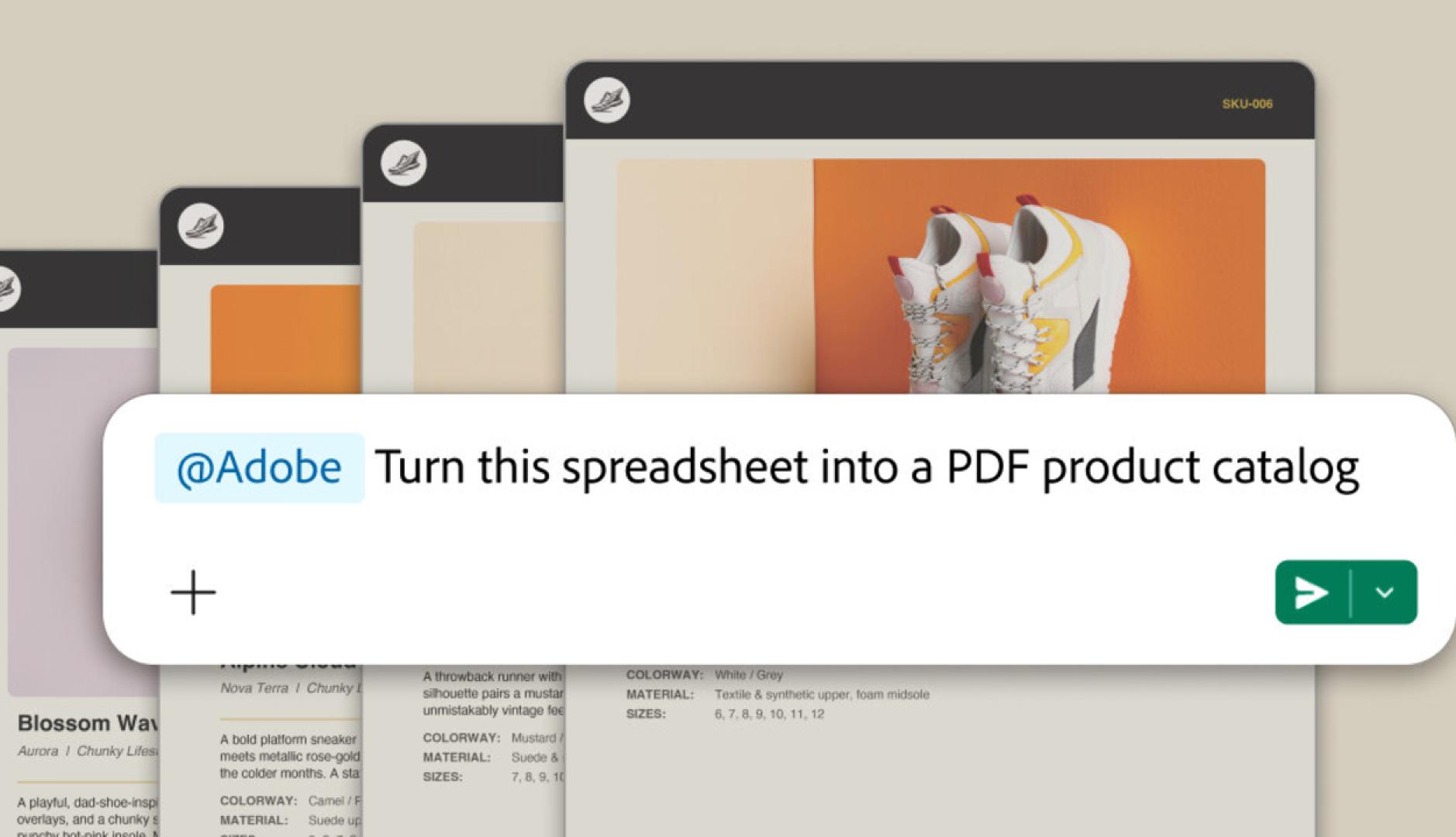
The app is available today for Slack Business+ and Enterprise+ teams and is powered by Slackbot, the personal AI agent built into Slack. The user can describe using natural language what they want to achieve and Slackbot uses the appropriate Adobe tools to execute the task.
The particularity of the proposal is that the agent can also use the context that already exists within Slack. Conversations, files, channels or canvas They can serve as source material to generate and modify images, videos, documents and other content without having to manually reconstruct all the information in another application.
Adobe poses numerous scenarios to show how far the integration can go. A team can ask Slackbot to locate and summarize information contained in a conversation or message. canvas and, later, use Adobe tools to create a PDF, image or video from it.
You can also search for assets stored in Creative Cloud based on criteria such as theme, style or atmosphere, then incorporate them into your Slack workflow and continue editing them.
For marketing teams, one of the use cases raised is the adaptation of campaigns. Using previously approved images or videos, Adobe for Slack can prepare variations with the necessary dimensions for different social channels.
The integration also allows you to locate a template, customize texts and colors, animate it for social networks or prepare a PDF version ready to print. A spreadsheet can serve as a starting point to generate a visual asset or document to later share with a client or the rest of the team.
Another possibility is to edit sets of images in bulk. Product photos, employee portraits, or event images can be processed from Slack to remove unwanted backgrounds and elements, modify lighting and tone, crop, or change their dimensions.
The operation is supported by an application developed using MCP (Model Context Protocol). Slackbot interprets the user’s request, retrieves existing context within Slack when necessary, and uses Adobe tools to execute the requested actions.
“Slack is where work happens and where AI is transforming conversation into action”explains Jaime DeLanghe, Chief Product Officer at Slack. For the manager, incorporating Adobe’s creative and productivity tools directly into that flow means that teams don’t have to abandon their conversations to start producing.
When a job requires more creative control, users can continue working in Adobe
But the process is not intended to replace Adobe’s professional applications. When a job requires greater creative control or more advanced functionality, users can continue working in Adobe Express, Photoshop, Premiere, Acrobat, or Firefly. Adobe thus proposes a continuity between two levels of work: certain operations can be resolved using natural language from Slack, while those that require more precise professional intervention can continue to be developed in the company’s specific applications.
Users can start using Adobe for Slack without having an Adobe account. However, signing in or creating a free account unlocks additional tools and capabilities, generative AI features, access to Creative Cloud files, and continuity between sessions.
Installation is also done from Slackbot. From a direct conversation with the agent, the user can access the applications section, select Adobe and start as a guest or link their account.
The launch is part of Adobe’s broader strategy to bring its professional capabilities to the conversational environments that people are incorporating into their daily work. The company recently launched Adobe for ChatGPT and notes that its tools are also present in Claude and Copilot, while it is working to bring them to Gemini soon.
More info: Adobe on Slack